Initial Problem Presented
Service is rendering customer charges even if the applicant's photo is not usable.


Discovery
Here's what we can learn right now
• Problem Identification
• User Empathy Journey
• Benchmarking
• Heuristic Evaluations
• Usability Scenarios

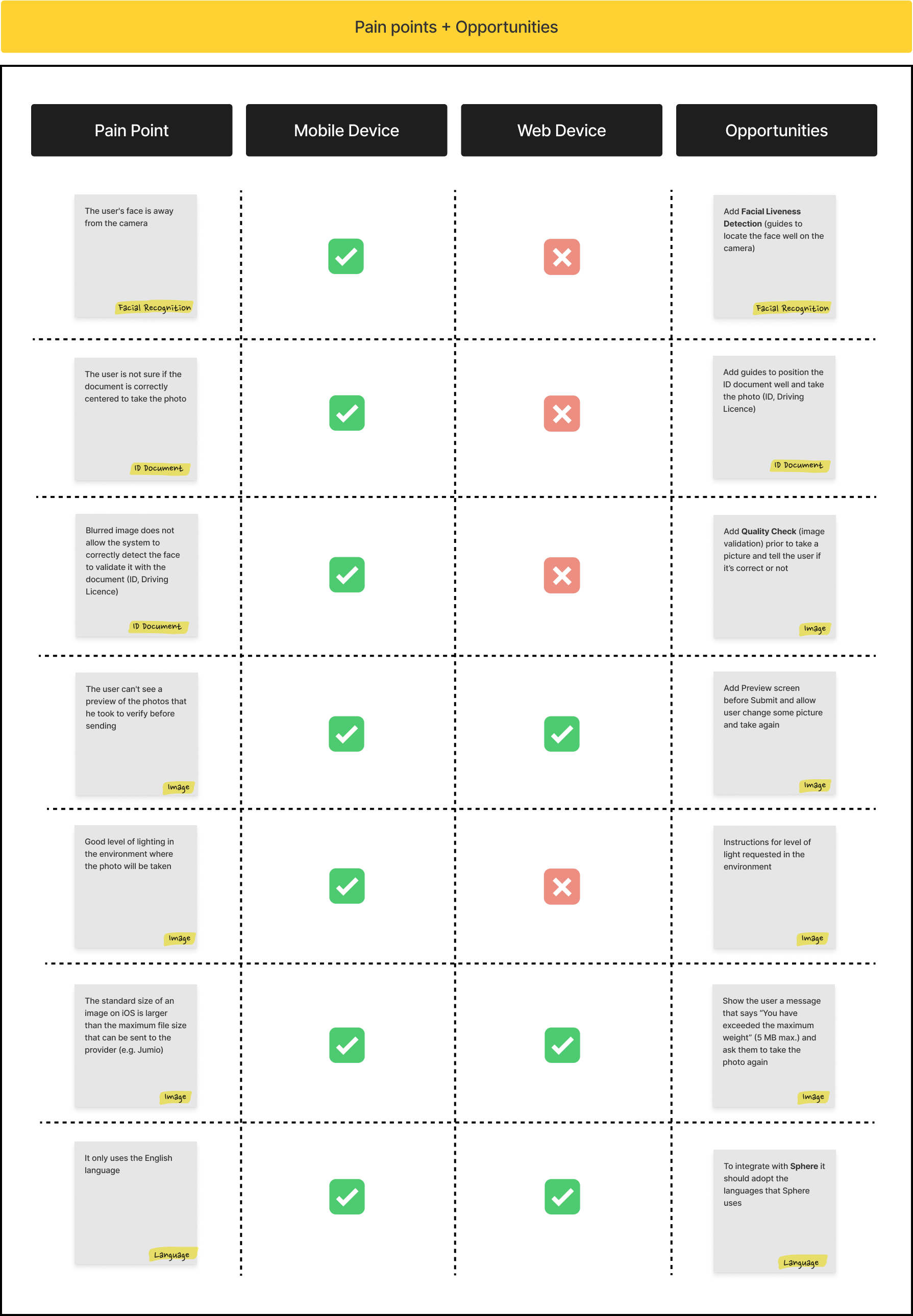
Pain Points and Opportunities:
• There is no liveness detection.
• Cannot verify the quality of the photo.
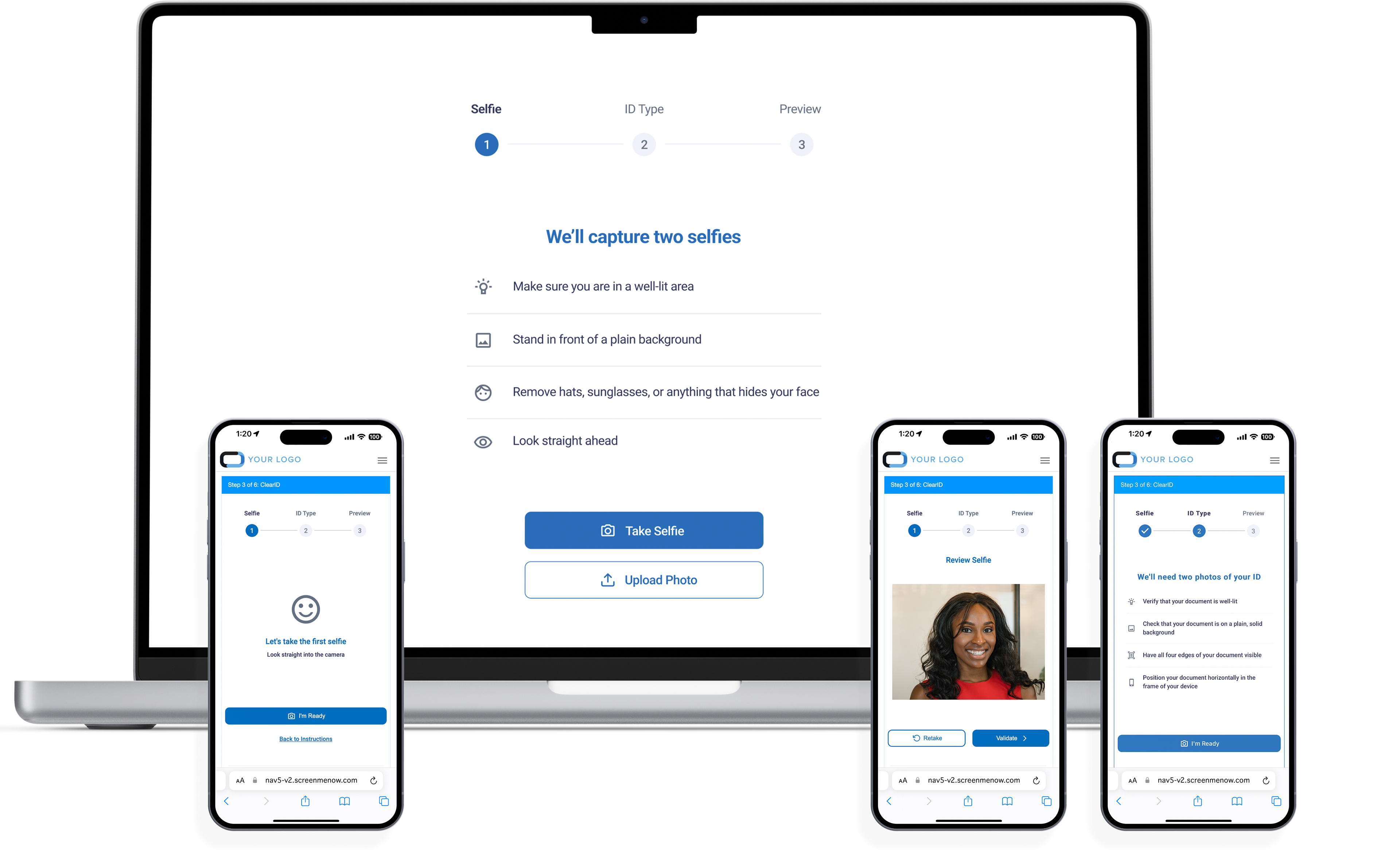
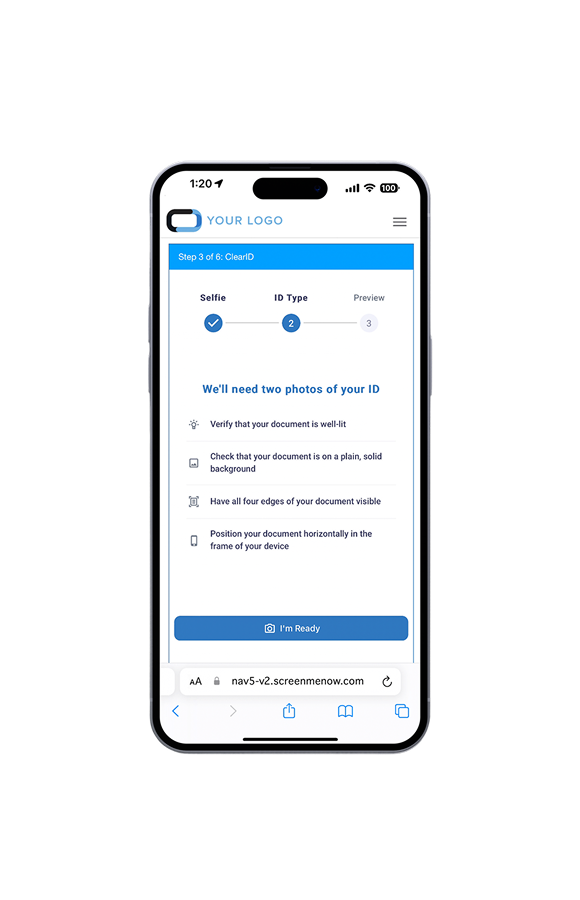
• There is no guidelines for the user (user face is away from the camera, the image is cut off, etc.)
• It is not multi-language, it is only in English.
• It should at least be in Spanish and in the languages currently supported by Sphere (the global applicant system).
• Customer will pay for the process, even if the photo does pass the criteria to be used in verifying identity (blurred, another size, filters, etc.)
• The standard file size for images does not automatically adjust and makes this a challenge on users. (ie; an image on iOS is larger than the maximum file size.)
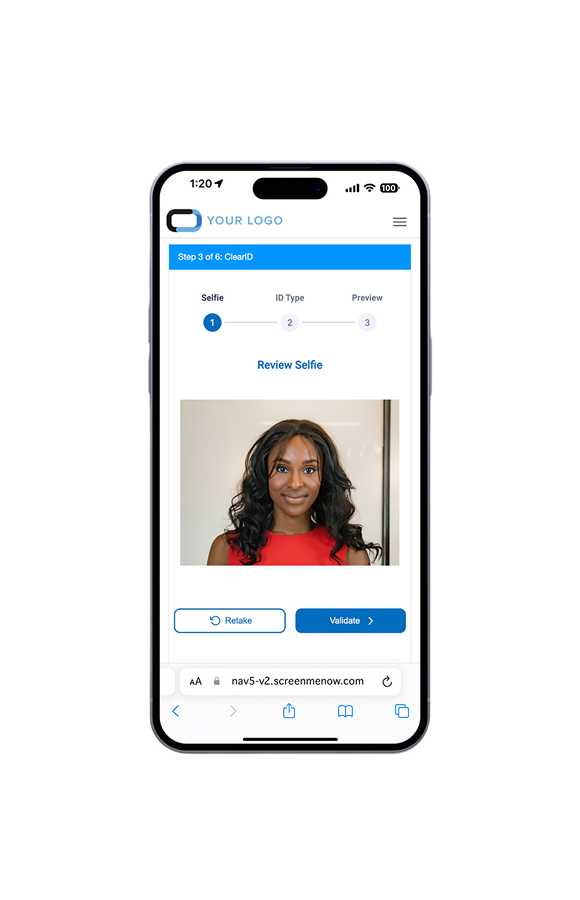
• User does not get a preview of the photos they took before sending.

How can we leverage our findings?

Empathize
Discovery Findings
- There is no liveness detection feature.
- The quality of the photo cannot be verified.
- There are no guidelines provided for users (e.g., if the user's face is turned away from the camera or if the image is cropped).
- Customers will be charged for the process even if the photo does not meet the criteria for identity verification (i.e., if it is blurred, the wrong size, has filters applied, etc.).
- The standard file size for images does not automatically adjust, making it challenging for users (for example, an image taken on iOS may be larger than the maximum allowed file size).
- Users do not receive a preview of the photos they take before submitting them.
- A lack of instructional prompts does not set users up for success.

Define / Ideate
How can we leverage our findings for UX and Business
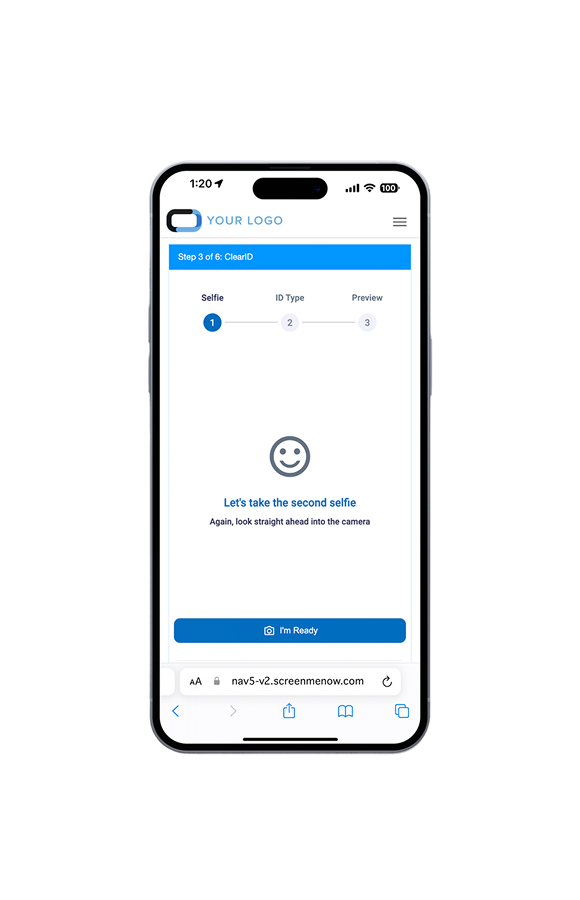
- Enhance facial recognition and image capture capabilities.
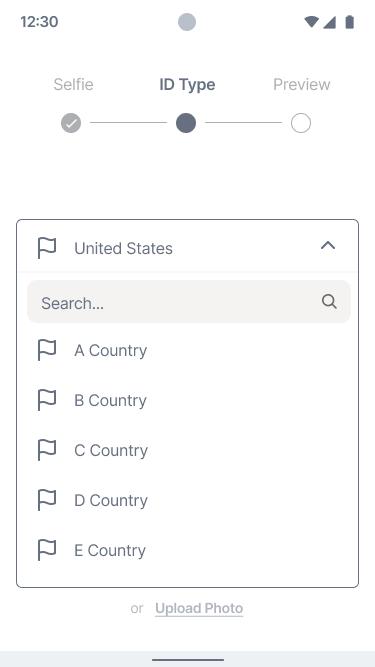
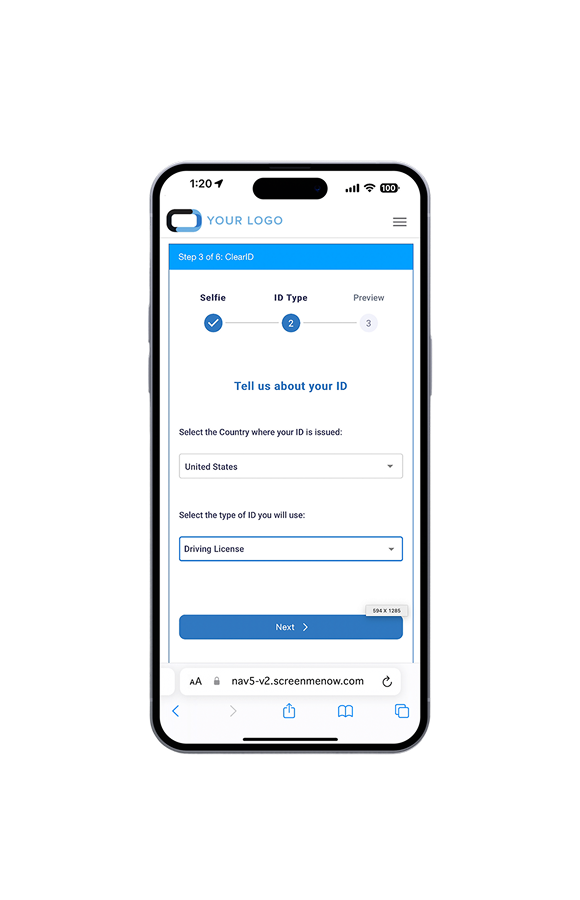
- Include the country, ID type, and ID images to create a more streamlined experience.
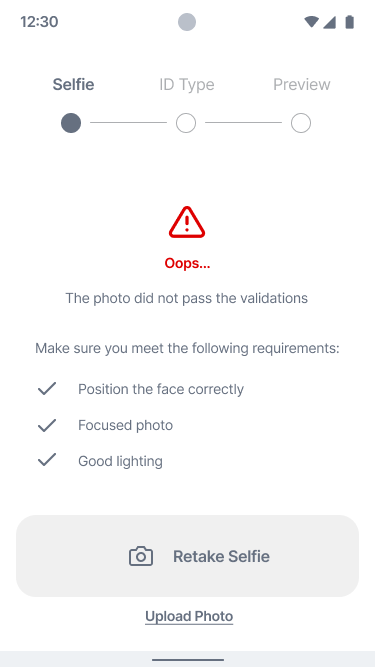
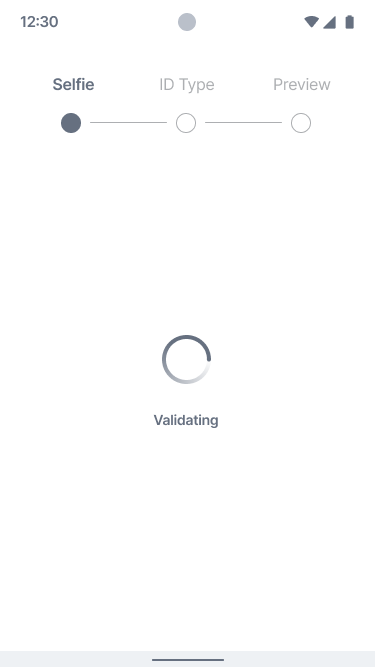
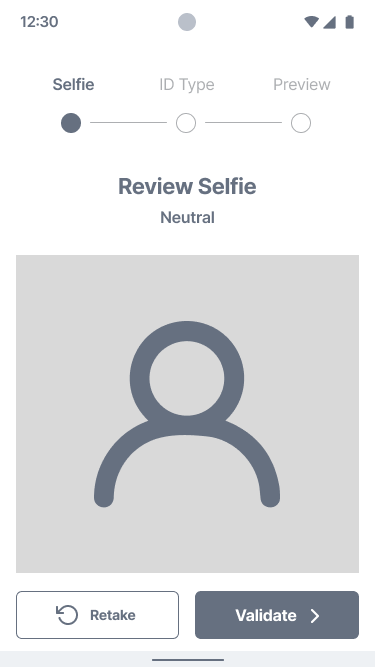
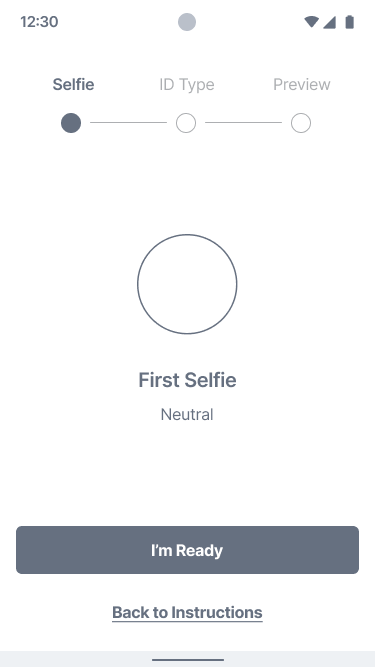
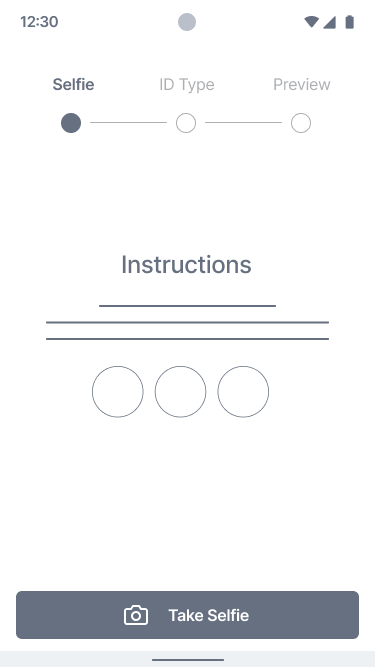
- Provide validation, feedback, and clear instructions to the user.
- Implement a final review step before submitting the request.
- Update the frontend to ensure mobile responsiveness.
- Revamp the interface to bring it up-to-date.





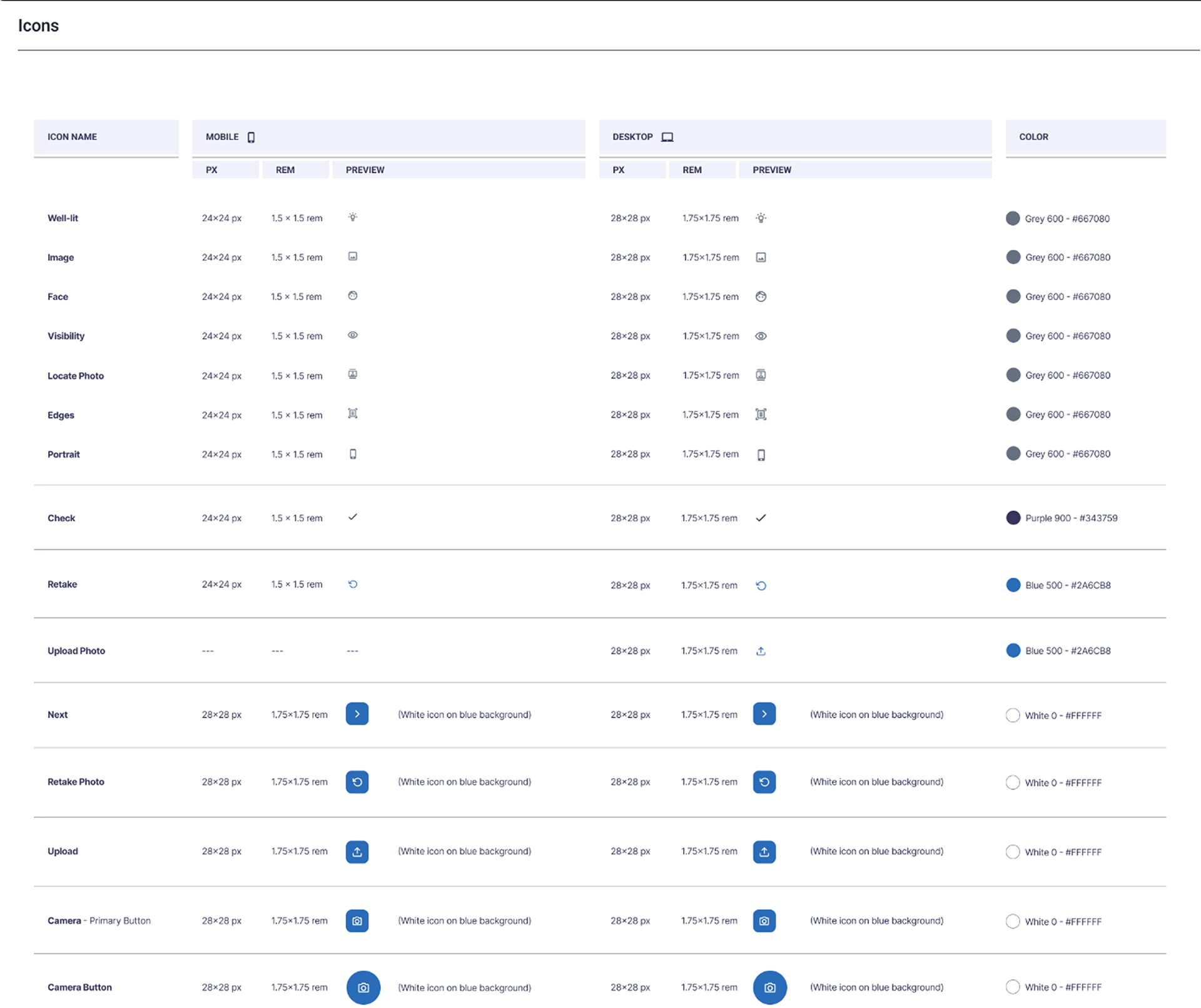

Design and Prototype

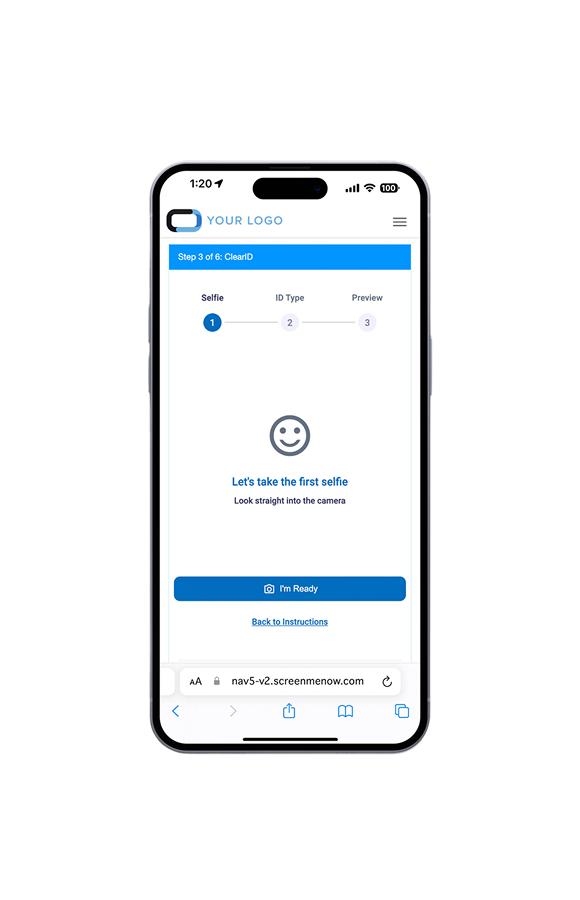
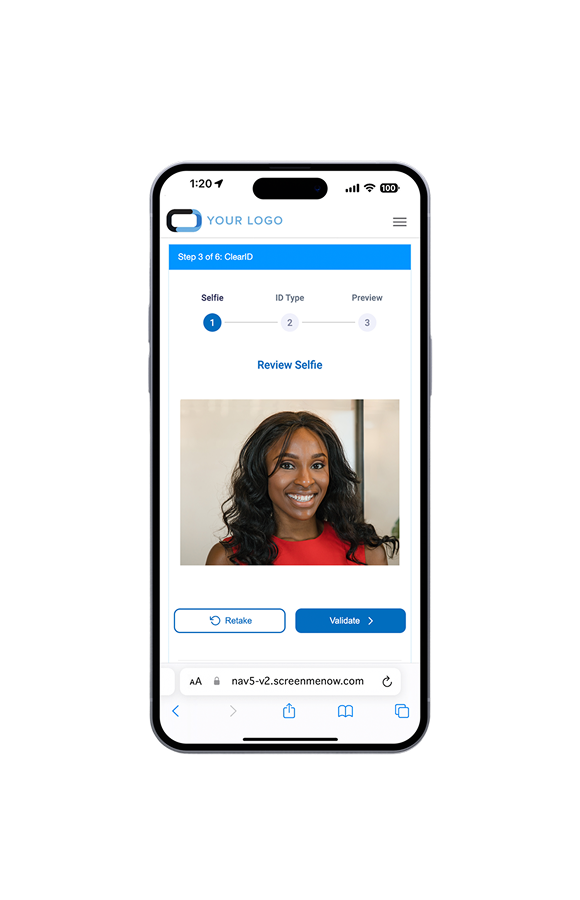
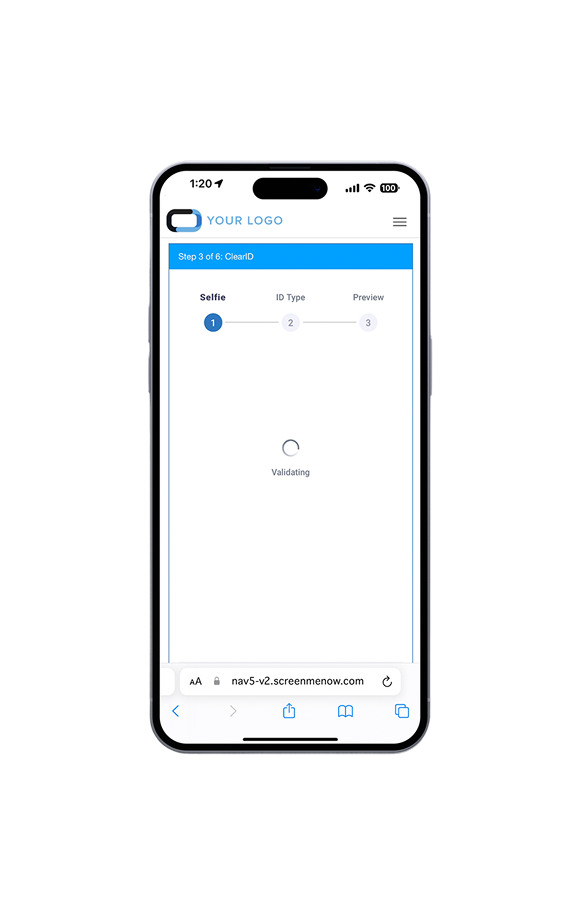



Test and Release
What can a team do in 6 months?
- Reduce the number of complaints.
- Decrease costs associated with failed validations.
- Increase the likelihood of successful validations.
- Enhance the user experience for applicants throughout the process.
- Minimize the need for support.
- Update the user interface with the long-term goal of achieving aesthetic cohesion across the entire product ecosystem.
- Implement responsive design with a multi-device solution that can adapt to new devices as they emerge.
- Rebuild the front-end framework alongside the back-end framework to utilize modern technology.
- Leverage available AI features, including automation, to reduce errors and improve efficiency.
- Improve the backend architecture.